


The Dolphins will use Swimtopia to manage volunteer elections for meets.Instead of assigning jobs to everyone for every meet, events will be opened to allow you to pick the jobs you would prefer.
Most jobs will be open on a first-come, first-served basis for you to choose.
To sign up for a volunteer shift:
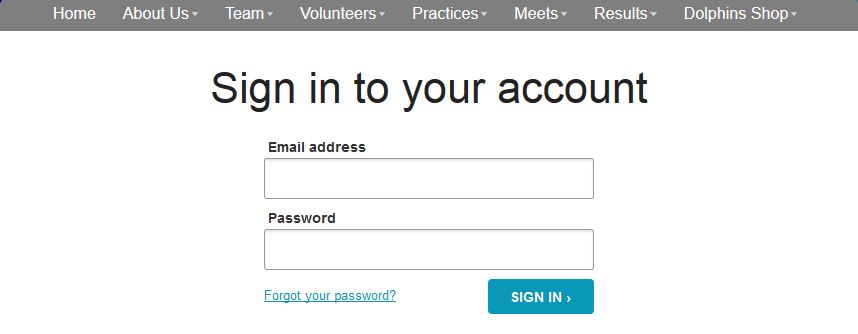
 Go to our website https://loedolphins.swimtopia.com/
.Click Login
Go to our website https://loedolphins.swimtopia.com/
.Click Login

Login to your Account:
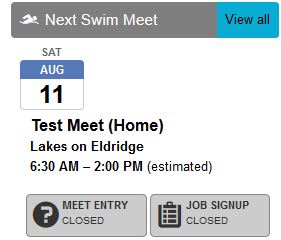
Click View all next to Next Swim Meet

This will bring a list of upcoming meets.
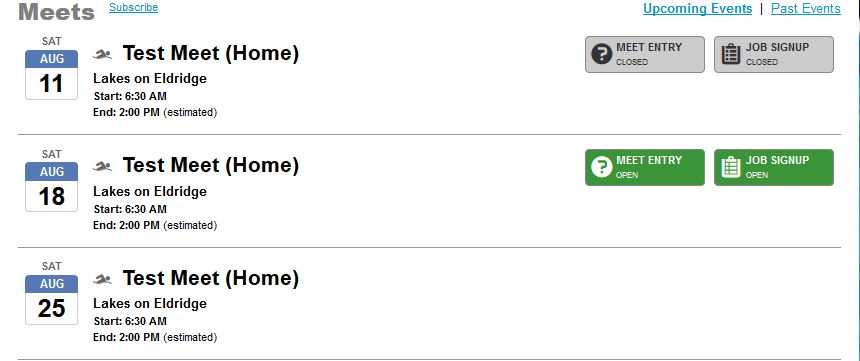
Pending (no Meet Entry or Job Signup) -the team administrators have not yet opened the meet for entry or job signup
Closed –the deadline has passed to make declarations for an event or job signup
Job Sign-up –event is open for job selection
Click on Job Signup
On the page for a specific event, you will see all parents associated with your account and the jobs they have selected for the upcoming meet.
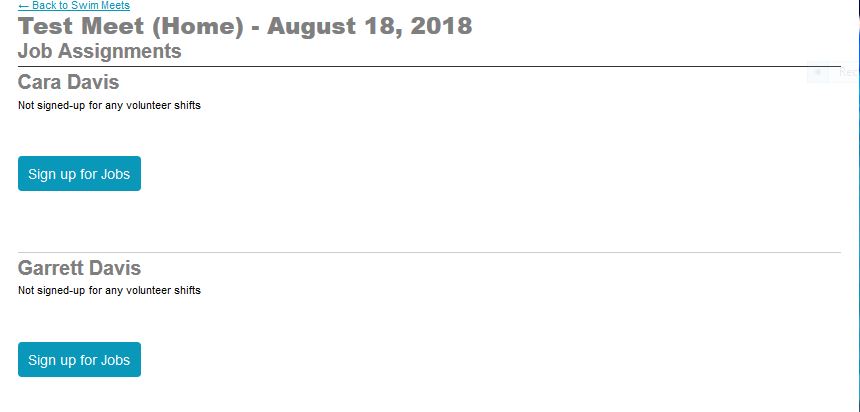
Click on Sign up for Job.This will allow you to pick the volunteer jobs for you and/or your spouse for an event
The jobs tool will show the list of all available positions for the upcoming meet based on job type and shift
You can also see some positions that are already filled and unavailable for selection
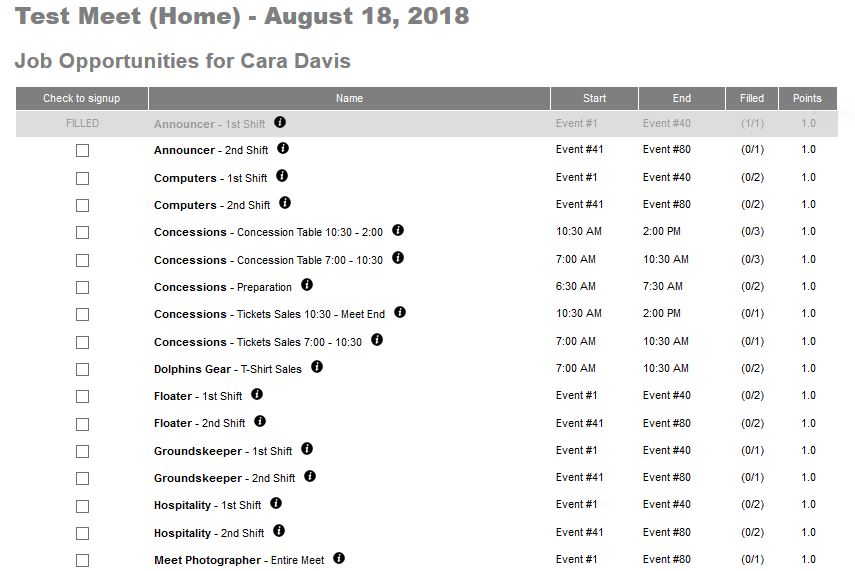

Click on
the 

Pick the job you would prefer for the event by
clicking in the “Check to sign-up” box next to
the job and select the “Save Assignments” button at the bottom of the page.
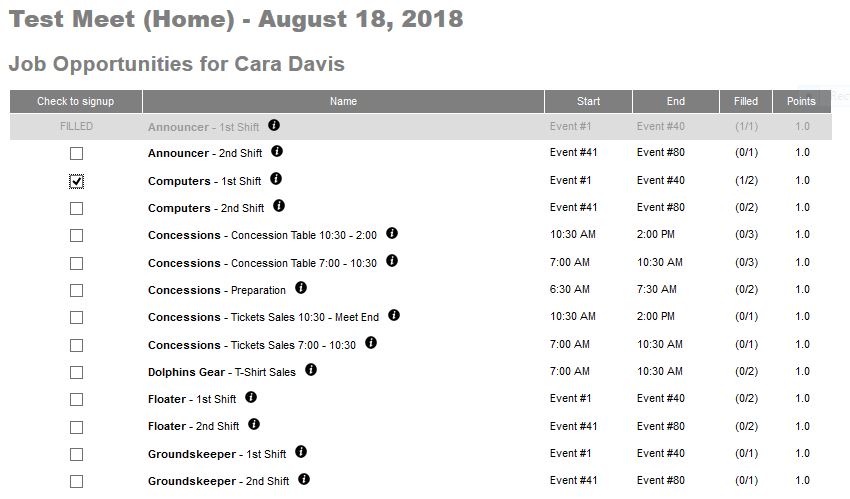
 Once you
have selected job assignments for you and/or your spouse and clicked on Save
Assignments, you will see a summary of your volunteer assignment for the
specific event.
Once you
have selected job assignments for you and/or your spouse and clicked on Save
Assignments, you will see a summary of your volunteer assignment for the
specific event.
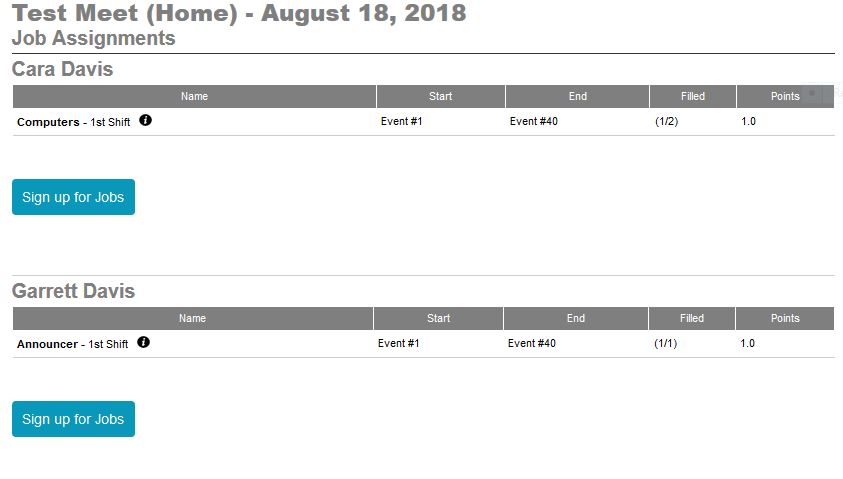
.

